
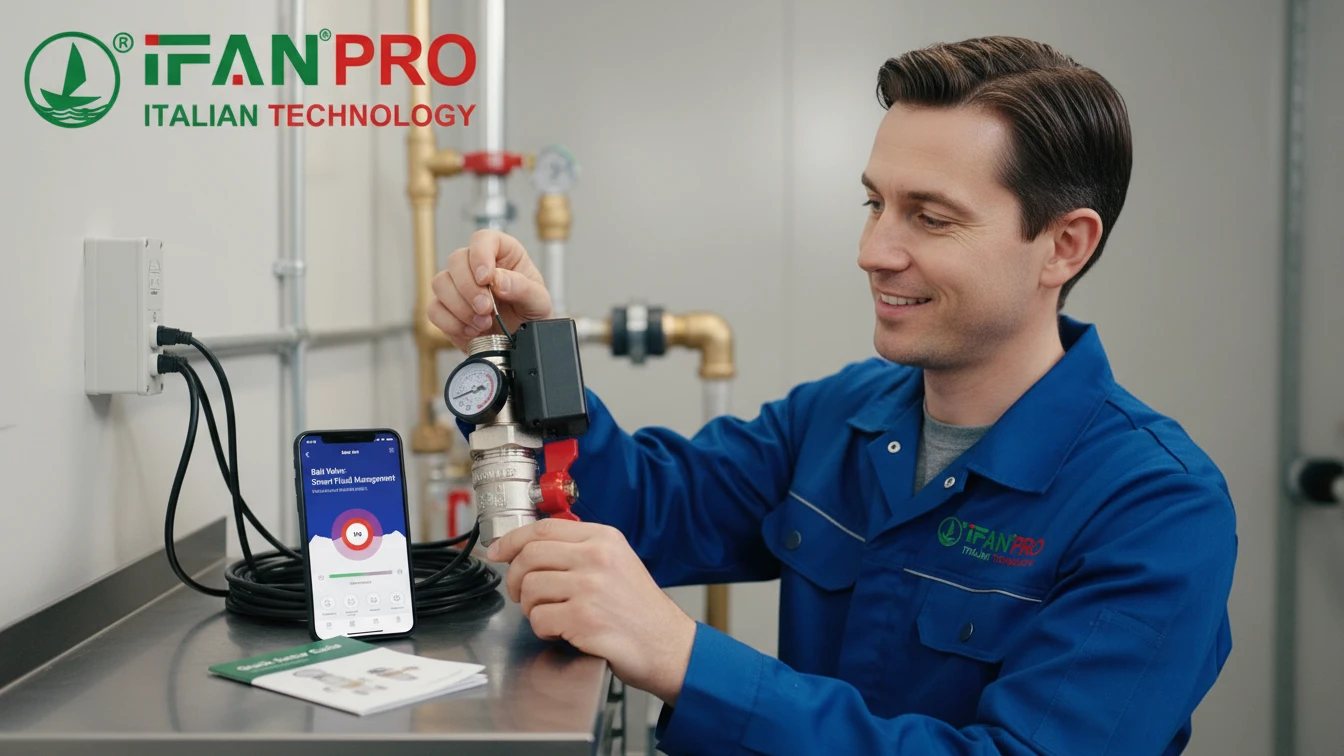
A client once told me they delayed upgrading to smart valves because they feared endless manuals and IT help desks. Their relief when they saw the simple setup proved to me that complexity is often just a myth.
No, modern smart management features do not require complex setup. Leading systems are designed for straightforward installation, often featuring intuitive mobile apps, plug-and-play compatibility, and clear step-by-step guides. This approach allows users with basic technical skills to get their systems running quickly and efficiently.
If you hesitate to move to smart control because of setup worries, let’s break down exactly what is involved. You will see how the process has become simple for everyone.
Are There User-Friendly Mobile Apps for Basic Configuration and Control?
Many people assume smart systems need a computer expert. I guide clients through their first app login, and their confidence grows immediately.
Yes, user-friendly mobile apps are the standard for basic configuration and control. These apps provide clear visual interfaces, guided setup wizards, and simple menus. You can use them for adjusting settings, scheduling operations, and monitoring performance without any coding or advanced technical knowledge.
The App Design Focuses on Simplicity
The main goal of a configuration app is to make a powerful system feel simple. Manufacturers know their users are engineers, facility managers, or homeowners, not software developers. Therefore, a well-designed app acts as a friendly guide.
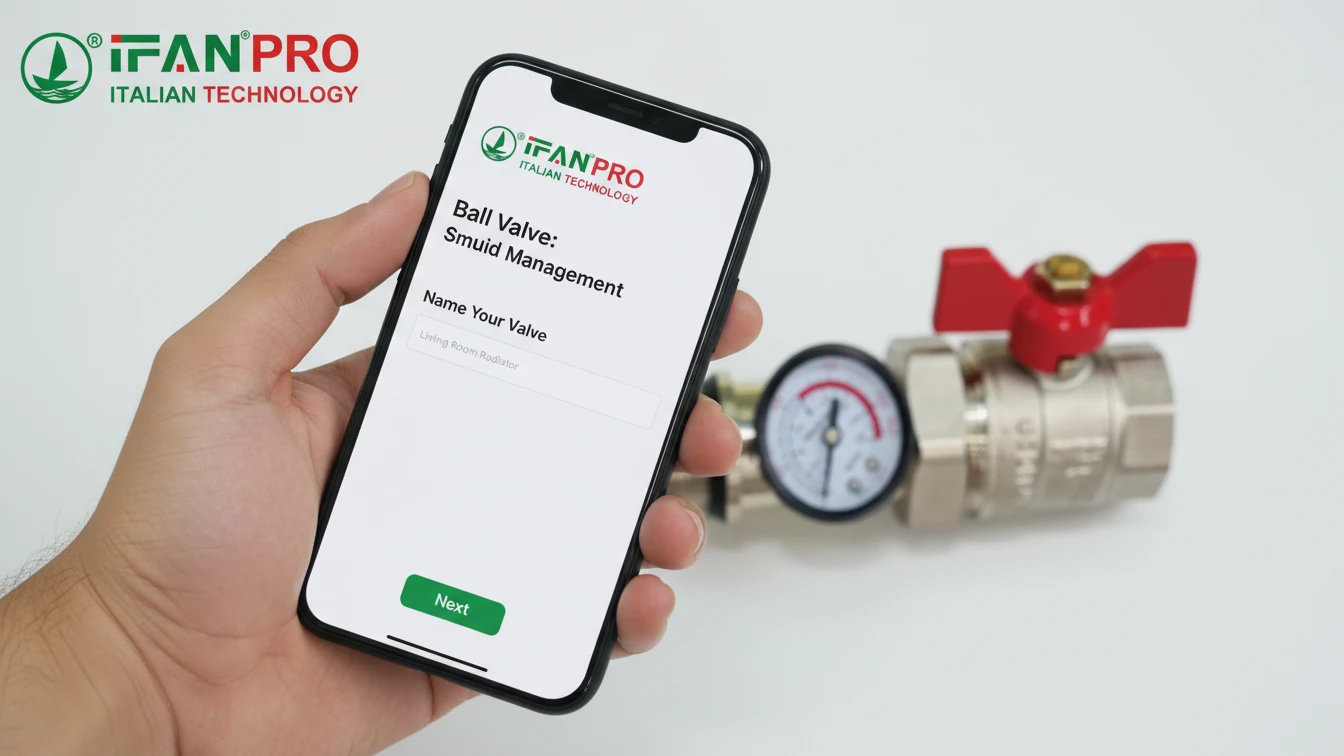
When you first open a quality app, it typically walks you through a setup wizard. This wizard is a series of simple prompts. For example, the app might first ask, “What is this valve’s name?” (e.g., “Main Garden Line”). Then, it will say, “Connect to the valve’s Wi-Fi.” After that, it guides you to “Connect the valve to your home network.” The app holds your hand through each step like this.
Key Features Make the App Easy to Use
Once you complete the setup, daily control becomes straightforward. Here are the common features designed for ease of use:
- Dashboard: You see all your connected devices on one screen. Clear status indicators show you if devices are On/Off or if there are any alarms.
- One-Touch Control: Tapping an icon on the screen opens or closes a valve. It is as easy as flipping a light switch.
- Simple Scheduling: Setting a schedule usually involves tapping days on a calendar. Then, you drag sliders to set start and stop times, similar to setting a phone alarm.
- Visual Feedback: Charts and graphs show water flow or usage history. This design makes data easy to understand at a glance.
A Comparison of Setup Methods
The table below contrasts the old way of programming controllers with the new app-based method.
| Task | Traditional Controller (Old Way) | Modern Mobile App (New Way) |
|---|---|---|
| Naming a Device | Scroll through a numeric menu with arrow keys to select letters. | Type the name directly on your phone’s keyboard. |
| Setting a Schedule | Enter complex date/time codes in a specific sequence. | Tap on a visual calendar and drag time sliders. |
| Checking Status | Physically go to the controller panel to read a small LCD screen. | Open the app on your phone from anywhere for a live view. |
| Updating Software | Manually download a file to a USB drive and upload it to the device. | Tap “Update” in the app; the process happens automatically. |
In short, the mobile app removes the barrier of a confusing control panel. It translates the valve’s functions into a language and interface you already know how to use: your smartphone. For products like IFAN’s smart valve series, the accompanying app is developed with this principle of intuitive operation at its core. This ensures you spend time managing your water, not figuring out the software.
What Level of Technical Expertise Is Needed for Initial Setup?
The word “smart” can sound intimidating. I assure clients that if they can set up a Wi-Fi router or a smart light bulb, they already have all the skills they need.
For the initial setup, you only need basic technical expertise. This typically means you can follow a step-by-step guide, connect to a Wi-Fi network using a smartphone, and use a simple mobile app. You do not need a background in programming, networking, or industrial control systems.
The Setup Steps Are Simple
Let’s define “basic technical expertise.” It means you feel comfortable using a smartphone for tasks beyond calls and texting. You know how to go into your phone’s settings to find and join a Wi-Fi network. You can also download an app from an official store like the Apple App Store or Google Play. That is truly the foundation.
Furthermore, the physical installation is often the simplest part. For many smart valves, it involves just two main actions:
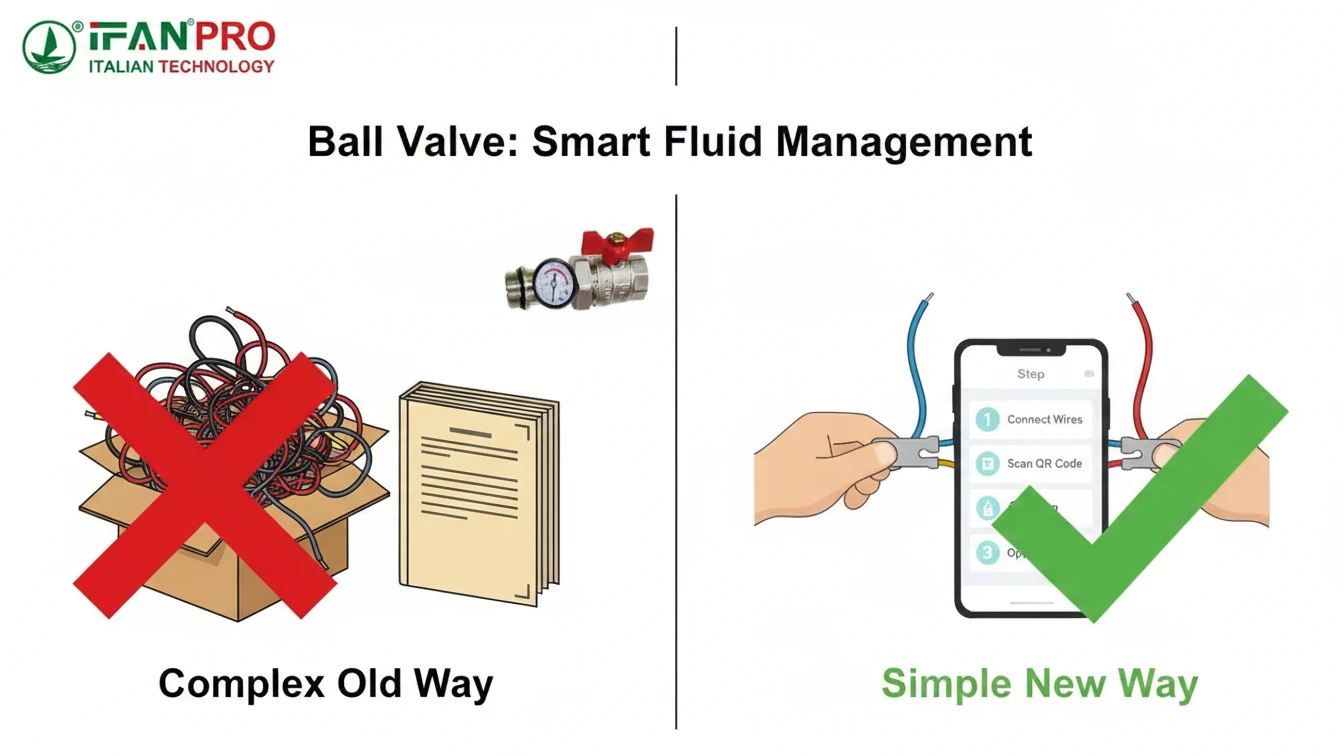
- Wiring: You connect a few low-voltage wires, like power and a simple open/close signal. Manufacturers usually color-code these wires or label them clearly (e.g., “Power +”, “Power -“).
- Network Connection: After you power the valve on, it creates its own Wi-Fi network. You join this network with your phone to introduce the valve to your main building network. Then, the app does the rest.
Addressing Common Concerns
People often worry about two specific areas: network configuration and troubleshooting. However, both are simpler than they seem.
- Network Configuration: You do not need to be a network administrator. You are not setting up IP addresses manually. Instead, the app asks for your Wi-Fi network’s name and password. You just type them in, exactly like logging into email on a new device. The valve’s software handles the complex network handshake internally.
- Troubleshooting: What if something goes wrong? Good systems have built-in help. For example, the app might say, “Cannot connect. Please ensure you are within range of the valve’s Wi-Fi signal.” This is clear, actionable advice. It does not require you to understand network protocols.
A Table of Required Skills
This table outlines the skills required for different levels of system setup.
| Task Required | Skill Level Needed | Example/Explanation |
|---|---|---|
| Physical Wire Connection | Low | Matching colored wires or connecting labeled screw terminals. |
| Connecting to Local Wi-Fi | Basic | Selecting your network from a list and entering the password on your phone. |
| Using the App for Setup | Basic | Following on-screen instructions, similar to installing any consumer app. |
| Creating Schedules & Rules | Basic to Intermediate | Using intuitive tools in the app; requires logical thinking but no code. |
| Integrating with 3rd Party Systems | Intermediate to High | May require understanding of APIs; often handled by a specialist. |
The key point is that manufacturers design the initial setup for the end-user. They have moved the complexity from the user interface to the behind-the-scenes engineering of the product itself. This means IFAN’s smart control solutions are built so that our clients’ maintenance teams, not just IT specialists, can reliably deploy and manage them.
Does the Valve Offer Plug-and-Play Functionality with Common Systems?
Compatibility is a major concern for clients. They do not want to buy a system that locks them into one brand. At IFAN, we test for plug-and-play ease to provide clear answers.
Yes, many modern smart valves offer plug-and-play functionality with common systems. They achieve this through standard communication protocols and universal output signals. These standards allow most industrial controllers and building management systems to understand and connect to the valve immediately.
The Industrial Meaning of “Plug-and-Play”
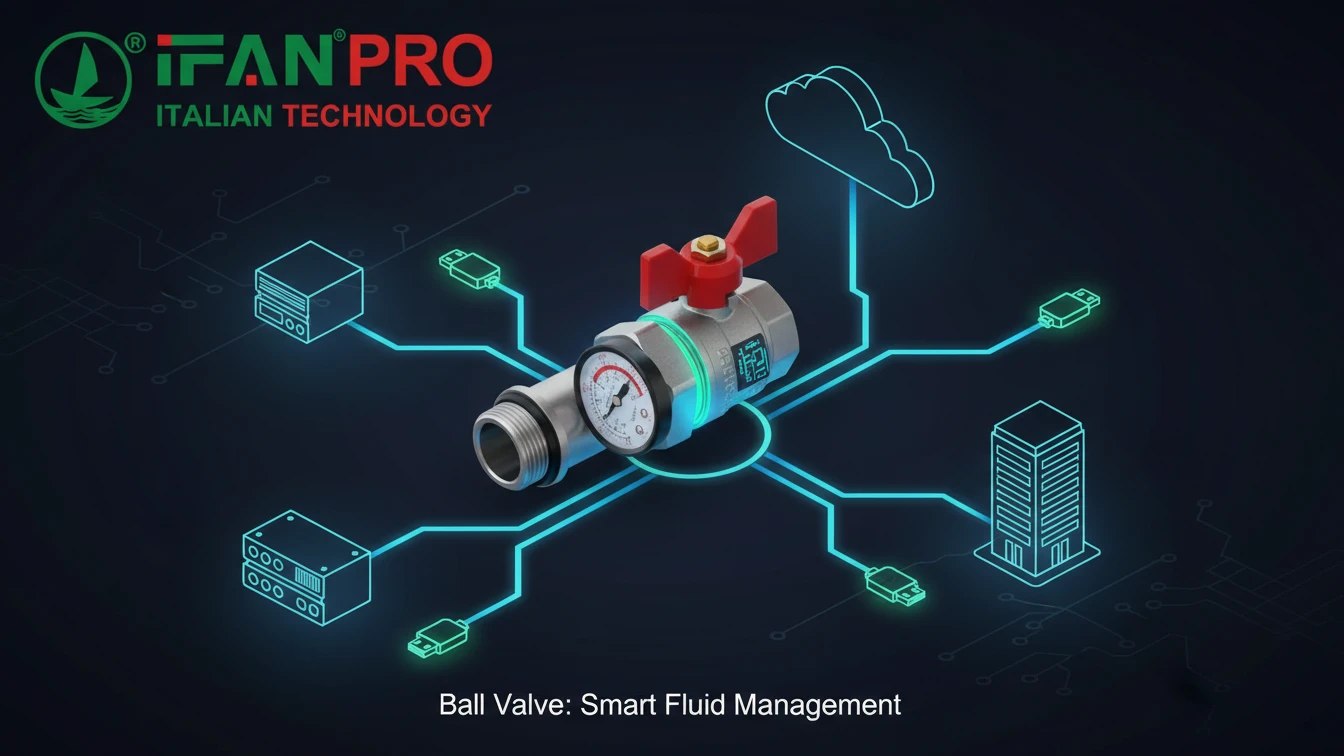
In a consumer context, plug-and-play might mean connecting a USB device. In industrial and building automation, it means the device uses standard, open methods of communication. Other systems are already built to understand these methods. Essentially, it is about speaking a common language.
A truly plug-and-play smart valve minimizes custom programming on the main controller’s side. Instead of writing hundreds of lines of code to “teach” the controller how to talk to the valve, the engineer simply selects the valve’s type from a pre-loaded library in their software. This saves a huge amount of time.
Standard Protocols Enable Easy Connection
The key to plug-and-play is the use of standard protocols. Think of a protocol as a language rulebook. If two devices follow the same rulebook, they can talk to each other easily.
- Modbus RTU: This is an extremely common and robust language for industrial devices. It runs over simple RS-485 wiring. If your existing pump controller speaks Modbus, you can add a Modbus-compatible valve as just another device on the same communication wire.
- BACnet MS/TP: This is the standard protocol for building automation systems. A valve with BACnet can be discovered and integrated by the building’s main computer with minimal configuration.
- Dry Contact / Relay Outputs: This is the simplest form of connection. The valve has internal switches that close when a certain condition is met. You can connect these two wires directly to the alarm input of almost any system in the world. It is universally compatible.
Compatibility and Integration Table
The following table shows how different smart valve outputs connect to common systems.
| Smart Valve Output Type | Compatible With | Plug-and-Play Ease | Typical Use Case |
|---|---|---|---|
| Dry Contact / Relay | Any system with a digital input. (Alarm panels, PLCs) | High. Just connect two wires. | Sending a basic open/closed status or fault alarm. |
| 4-20mA Analog Signal | Any system with an analog input. (Controllers, data loggers) | High. Connect two wires and scale the reading. | Providing precise feedback on valve position. |
| Modbus RTU | PLCs, SCADA, controllers with Modbus support. | Medium-High. Set a device address, connect to bus. | Full integration for control and monitoring. |
| BACnet MS/TP | Building Management Systems (BMS). | Medium. Requires addressing in BMS software. | Integration into commercial building automation. |
Therefore, when you evaluate a smart valve, ask not just “Is it smart?” but “How does it communicate?” Valves designed for easy integration, like those from IFAN, prioritize these open standards. This ensures they can fit into your existing system without causing a major engineering project. They truly deliver plug-and-play functionality for common industrial and commercial systems.
What Kind of Support or Documentation Is Available for Setup?
Even the simplest system can cause pause. At IFAN, we provide layered support. This means clients can find help in the way that suits them best, from quick answers to deep dives.
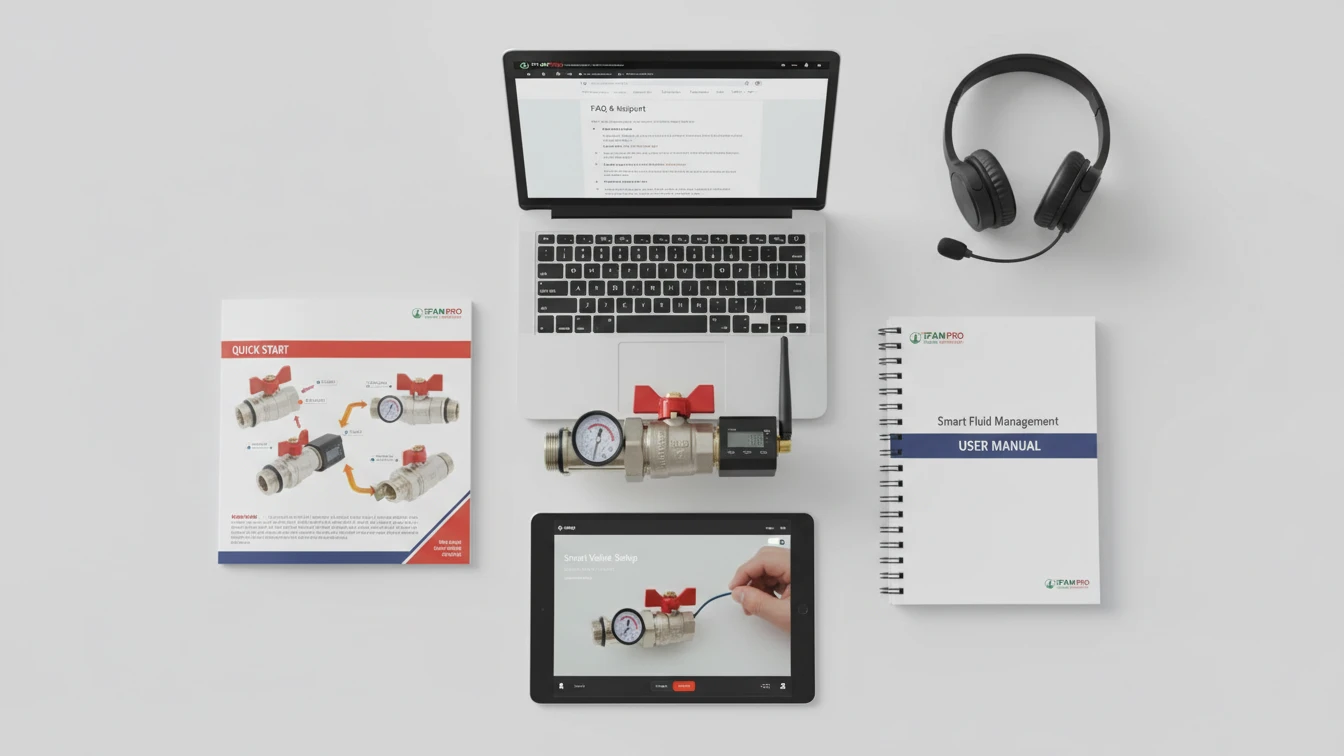
Comprehensive support and documentation are always available. This support typically includes quick-start guides, detailed PDF manuals, instructional videos, and FAQ databases. You also have direct access to technical support teams via email or phone. This multi-layered approach ensures help for all learning styles and problem complexities.
Multiple Layers of Support
Good manufacturers understand that people prefer to learn in different ways. Therefore, they provide a stack of resources. You can start with the fastest, simplest resource and go deeper if you need to.
First, the Quick-Start Guide: This is a single sheet of paper or a small booklet in the product box. It uses pictures and numbered steps to get you from unboxing to basic operation in under 10 minutes. It does not explain why things work; it just shows you how to make them work.
Second, the Detailed User Manual (PDF): You can download this complete reference document from the product website. It contains everything: full specifications, wiring diagrams, explanations of every app feature, error code meanings, and troubleshooting charts. Use it when you need to understand the fine details.
Third, Video Tutorials: Many people learn best by watching. Manufacturers often host video libraries on their websites or YouTube channels. These videos walk you visually through setup and common tasks. Seeing a hand connect a wire or tap a screen icon removes all ambiguity from written instructions.
Resources for Problems and Learning
Support is not just for when things go wrong. It also helps you use the product to its full potential.
- Online FAQ & Knowledge Base: This is a searchable database on the company website. It holds answers to the most common questions. For example, “How do I reset my password?” or “What does the flashing red light mean?” It is the fastest way to solve simple issues.
- Technical Support Team: When you exhaust the self-help options, you can contact human experts. A strong support team, like the one behind Productos IFAN, understands the product’s engineering. They can guide you through complex scenarios, often using screen-sharing tools to see your issue and guide your actions directly.
Support Resource Comparison Table
This table helps you choose the right resource for your need.
| Support Resource | Best For | Speed of Answer | Detail Level |
|---|---|---|---|
| Quick-Start Guide | Getting powered up and running for the first time. | Immediate (in the box). | Basic, step-by-step only. |
| Video Tutorials | Visual learners who want to see the process. | Fast (on-demand online). | Practical and demonstrative. |
| Online FAQ | Solving a specific, common problem quickly. | Very Fast (instant search). | Concise, problem-solution focused. |
| Full PDF Manual | Understanding specifications and advanced features. | Fast (download). | Very High (complete reference). |
| Email Support | Non-urgent, complex issues needing documentation. | Within 24 hours (typical). | High, with written record. |
| Phone Support | Urgent issues or situations needing a dialogue. | Direct, but may involve wait time. | High, with interactive help. |
In summary, you are not alone during setup. A reputable supplier provides a full safety net of information. From the simple guide in the box to the expert on the phone, these resources make your experience smooth. They turn potential frustration into confidence.
Conclusión
Smart management setup is designed for simplicity, not complexity. For intelligent, easy-to-integrate valve solutions backed by clear support, explore IFAN’s smart valve product line.










 Español
  English
  Français
  Русский
Comentarios recientes