
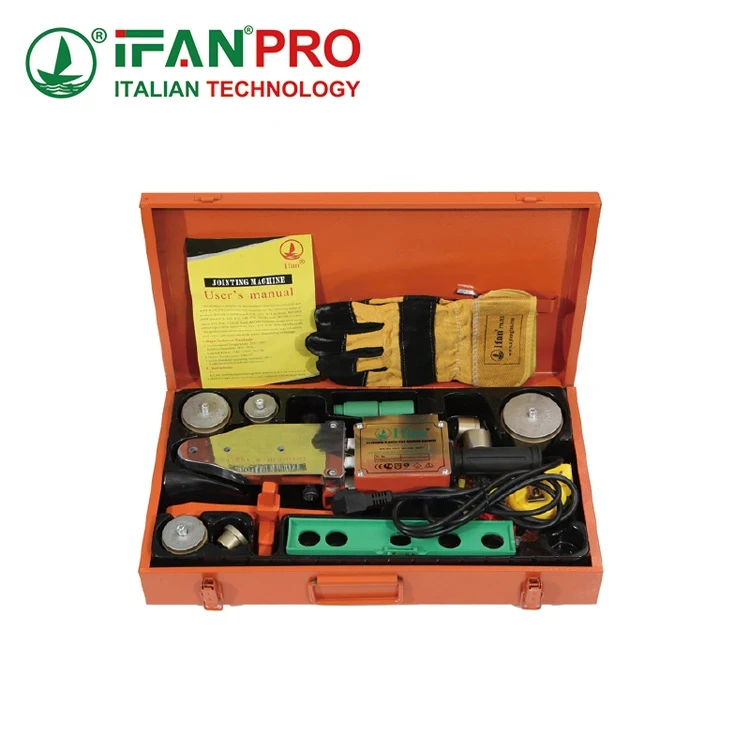
I’ve spent years on factory floors and in workshops, watching professionals waste precious minutes searching for tools. That frustration is exactly why a system like the Toolbox Widget is a game-changer.The Widget creates a modular tool organization system through a series of interlocking, customizable compartments and trays. This system lets you group tools by project, type, or frequency of use. You can then rearrange or expand these modules to perfectly match your ever-changing toolkit, eliminating clutter and saving time.
Forget the single, overflowing metal box. Let’s explore how this modular approach revolutionizes how we store, access, and think about our tools.
How Does the Toolbox Widget Create a Modular Tool Organization System?
The chaos of a traditional toolbox is universal. Tools pile on top of each other. Finding a specific screwdriver or socket wrench means digging and frustration.
The Toolbox Widget creates a modular system by replacing one large, chaotic space with many small, organized ones. It uses a framework of interlocking bases and a variety of specific-sized inserts, trays, and dividers. You build your organizer like blocks, creating a custom layout that fits your exact tools and keeps them separated, visible, and instantly accessible.
The Core Concept: From One Box to Many Modules
Think of a traditional toolbox as one big drawer. Everything gets thrown in. A modular system like the Toolbox Widget changes that basic idea. Instead of one drawer, you get a grid of small, dedicated containers. This is the heart of modular organization.
The system starts with a strong base frame. This frame has connection points or rails. Onto this frame, you attach different modules. Each module has a specific job. Some modules are small bins for nails and screws. Other modules are long trays for wrenches. Some have foam inserts you can cut to hold specific power tools. You decide what goes where.
How the System Adapts to Your Needs
Because it’s modular, the system is not fixed. Let’s say you are an electrician. You might build a set of modules for common wire strippers, crimpers, and voltage testers. Then, you get a new job that requires plumbing tools. Instead of buying a new toolbox, you can simply add a new “plumbing module” with pipe cutters and wrenches to your existing Widget frame. This flexibility is its greatest strength.
The organization can be logical. You can group tools by type (all screwdrivers together), by project (all tools for ‘Kitchen Renovation’ together), or by how often you use them (daily-use tools in the top, easy-to-reach modules).
Traditional vs. Modular Tool Storage
This table shows the key differences in approach.
| Storage Aspect | Traditional Single-Compartment Toolbox | Toolbox Widget Modular System |
|---|---|---|
| Organization Principle | One large, mixed space. | Many small, dedicated spaces. |
| Настройка | Very low. You might add a small tray. | Very high. You design the layout. |
| Адаптация | Poor. Fixed size and layout. | Excellent. Easy to add, remove, or rearrange modules. |
| Tool Visibility & Access | Poor. Tools pile up and hide. | Excellent. Tools are separated and visible. |
| Efficiency | Low. Time wasted searching. | High. Tools are found immediately. |
Solving the Pain Point of Chaos
For professionals, time is money. Searching for a tool for five minutes on several jobs a day adds up to hours of lost productivity every week. The modular system directly attacks this problem. By giving every tool a specific, labeled home, you always know where it is. When you finish using a tool, you put it back in its module. This habit, supported by the design, keeps the system organized permanently. No more dumping everything out to find one item at the bottom. This system creates order and, most importantly, saves you significant time and reduces daily stress.
What Innovative Features Does This Toolbox Offer Beyond Traditional Tool Storage?
A simple box holds tools. An innovative system improves your entire workflow. The Toolbox Widget is designed with features that traditional boxes simply don’t have.
Beyond basic storage, this toolbox offers innovative features like weather-resistant and chemical-resistant polymer construction, integrated ergonomic carrying handles with a balanced weight system, secure interlocking latches to prevent accidental spills, and compatibility with custom-cut foam inserts for high-value tools. It also often includes a centralized small-parts organization wall.
Built to Last: Advanced Materials and Design
First, let’s talk about what it’s made of. Many traditional boxes are thin metal that dents or hard plastic that cracks in the cold. The Toolbox Widget often uses advanced, reinforced polymers. These materials are chosen for specific benefits.
- Impact Resistance: They can withstand drops and bumps without cracking, protecting your expensive tools inside.
- Weather & Chemical Resistance: The material doesn’t rust like metal. It also resists degradation from sunlight, oil, gasoline, and common workshop chemicals. You can use it confidently on any job site.
- Lightweight Strength: The structure is strong but light. This reduces the total weight you carry, which is a major benefit when the box is fully loaded.
User-Focused Functional Innovations
The design goes deeper than just tough plastic. Here are key features that change the user experience:
- Ergonomic Carrying System: Instead of one uncomfortable handle, a good modular system will have handles designed for better weight distribution. Some even have integrated wheel kits or connector points for trolleys, turning your toolbox into a easy-to-move workstation.
- Secure Closure System: A flimsy latch is a disaster waiting to happen. Innovative toolboxes use robust, often dual-action, latches that lock modules together securely. This prevents the nightmare of your toolbox popping open and spilling everything when you lift it or when it’s in a moving vehicle.
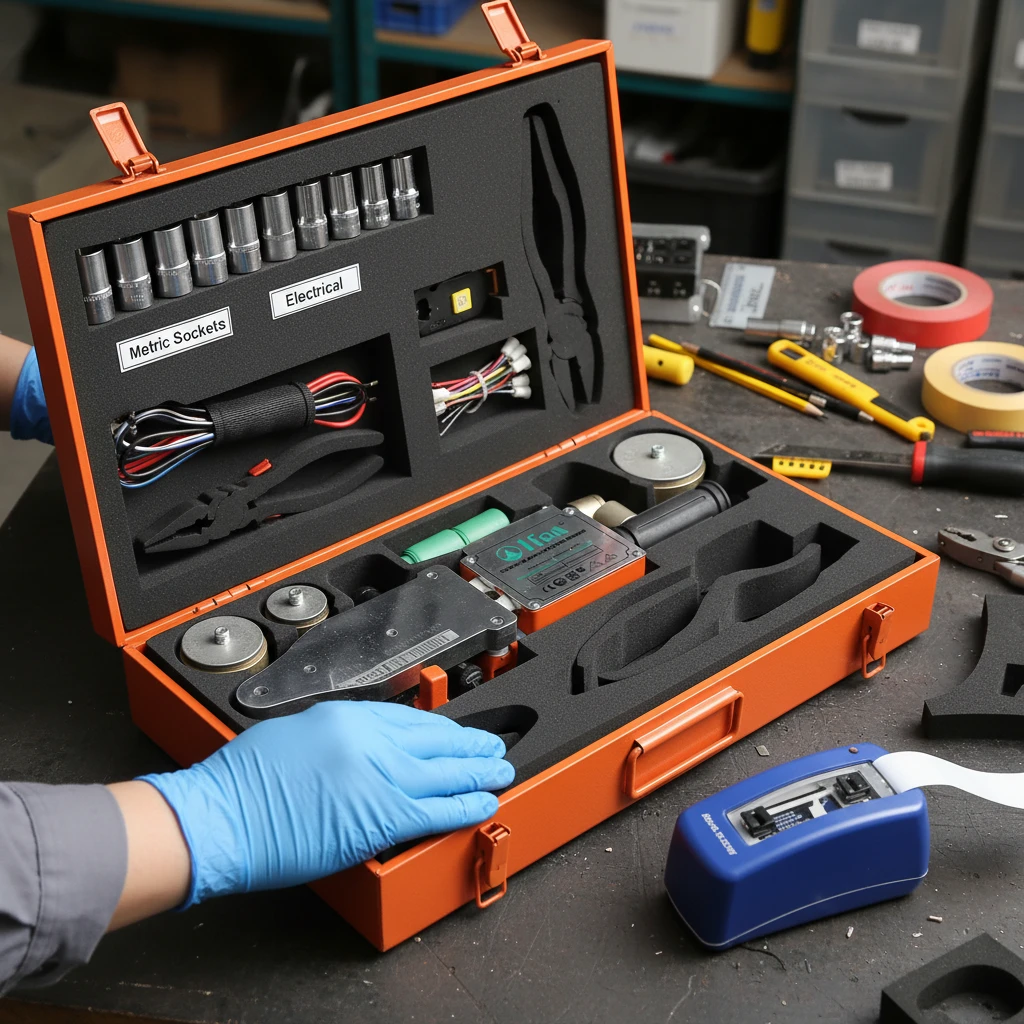
- Customizable Protection with Foam Inserts: For your most valuable or delicate tools (like calibrated gauges or precision instruments), you can get foam sheets. You trace your tool and cut out its shape. The tool then sits snugly in its own protective foam bed, preventing scratches and damage from tools banging together during transport.
Organizational Intelligence
Perhaps the smartest innovation is integrated organization for the smallest items.
The Small-Parts Organization Wall: This is a game-changer. One wall or lid of the Toolbox Widget is often lined with a grid of small, clear, removable containers. These are perfect for nails, screws, bolts, drill bits, and electrical connectors. Instead of having a dozen small boxes rattling around loose, all your fasteners are neatly stored, visible, and attached to the main unit. This solves the constant problem of lost or mixed-up small parts.
Feature Comparison Table
| Feature | Traditional Toolbox | Toolbox Widget (Innovative) |
|---|---|---|
| Материал | Thin steel or basic plastic. | Reinforced, chemical-resistant polymers. |
| Closure | Simple latch or clasp. | Secure, multi-point interlocking latches. |
| Small Parts Management | Separate, loose containers. | Integrated, clear-container wall system. |
| Tool Protection | Tools move freely and bump together. | Option for custom-cut foam inserts. |
| Portability | Basic handle, often unbalanced. | Ergonomic handles, optional wheel kits. |
These features show that the Toolbox Widget is not just a container. It is a purpose-built system designed to protect your investment in tools, improve your efficiency, and withstand the rigors of professional use in a way a standard box never could.
How Do You Assemble and Customize the Modular Toolbox Widget Organizer?
The idea of building your own toolbox might sound complex, but the process is designed to be simple, intuitive, and, most of all, personal. It’s about making the toolbox work for you, not the other way around.
You assemble and customize the organizer in three main steps. First, you select the base frame size that fits your needs. Second, you choose from a range of pre-made modules (bins, trays, dividers) and attach them to the frame. Third, you personalize it by arranging the modules in your preferred order, adding labels, and using foam inserts to create custom-cut spaces for specific tools.
Step 1: Choosing Your Foundation
The first step is the easiest. You pick the size of your main base frame. Think of this as choosing the size of your workbench. Do you need a compact box for a specific trade? Or a large, rolling cabinet for a full workshop? Manufacturers offer a few standard sizes. You choose one that matches the general scale of your tool collection and how you plan to move it (carry by hand, wheel around, etc.).
Step 2: Selecting and Attaching Your Modules
This is where the fun begins. With your base frame, you get a catalog or set of available modules. These are like the different drawers and shelves for your workbench. Common modules include:
- Small Parts Bins: For screws, nails, and bits.
- Long Tool Trays: For screwdrivers, chisels, files.
- Open Bins: For bulky items like gloves or rolls of tape.
- Adjustable Dividers: To create compartments of different sizes within a larger tray.
- Foam Pads: For cutting custom shapes.
You simply snap or slide these modules into the rails or slots on the base frame. The connection is secure but tool-less, meaning you don’t need a screwdriver to assemble it. You can mix and match different module types on the same frame.
Step 3: Personalizing Your System
Now, you make it yours. You decide where each module goes. Do you want your most-used screwdrivers on the top-right for easy access? Put that tray there. Place the small parts bin for your current project front and center. Then, take it further:
- Label Everything: Use a label maker or write on tape. Label modules “Electrical,” “Metric Wrenches,” “Finishing Sanders.” This not only helps you but also anyone else who might need to borrow a tool.
- Create Custom Foam Inserts: For your prized circular saw or digital caliper, take the foam sheet, place the tool on it, trace its outline with a marker, and carefully cut out the shape with a utility knife. The tool will now sit perfectly in place, protected from scratches and impacts.
- Arrange by Workflow: Organize modules in the order you use tools for a common task. This creates a logical, efficient workflow right in your toolbox.
Assembly and Customization Guide
| Step | Action | Key Tip |
|---|---|---|
| 1. Foundation | Choose your base frame size (Small, Medium, Large, Rolling). | Consider where you’ll store it and how you’ll transport it. |
| 2. Selection | Pick your modules (bins, trays, dividers, foam). | Audit your tools first. Group them to decide what modules you need. |
| 3. Attachment | Snap modules into the frame’s rails or slots. | Start with a basic layout; you can always rearrange later. |
| 4. Organization | Place tools into their assigned modules. | Keep heavy items low and centered for better balance. |
| 5. Personalization | Add labels and create custom foam inserts. | This step saves the most time in the long run. |
This process is not a one-time chore. It’s an ongoing relationship with your toolkit. As your tools change, your toolbox can change with it. The assembly is simple, but the power of customization is what makes the Toolbox Widget truly valuable for a professional who relies on their tools every day.
Why Should You Choose a Modular Toolbox for Your Professional Tool Storage Needs?
As a professional, your tools are your livelihood. They need to be protected, organized, and ready to go at a moment’s notice. A standard toolbox often falls short, becoming a source of frustration.
You should choose a modular toolbox because it directly increases your productivity and protects your tool investment. It saves you time by eliminating the daily search for tools, reduces the risk of tool loss and damage, and scales perfectly with your growing or changing business needs. It turns a simple container into a personalized, efficient workshop-on-the-go.
The Professional Argument: Time is Money
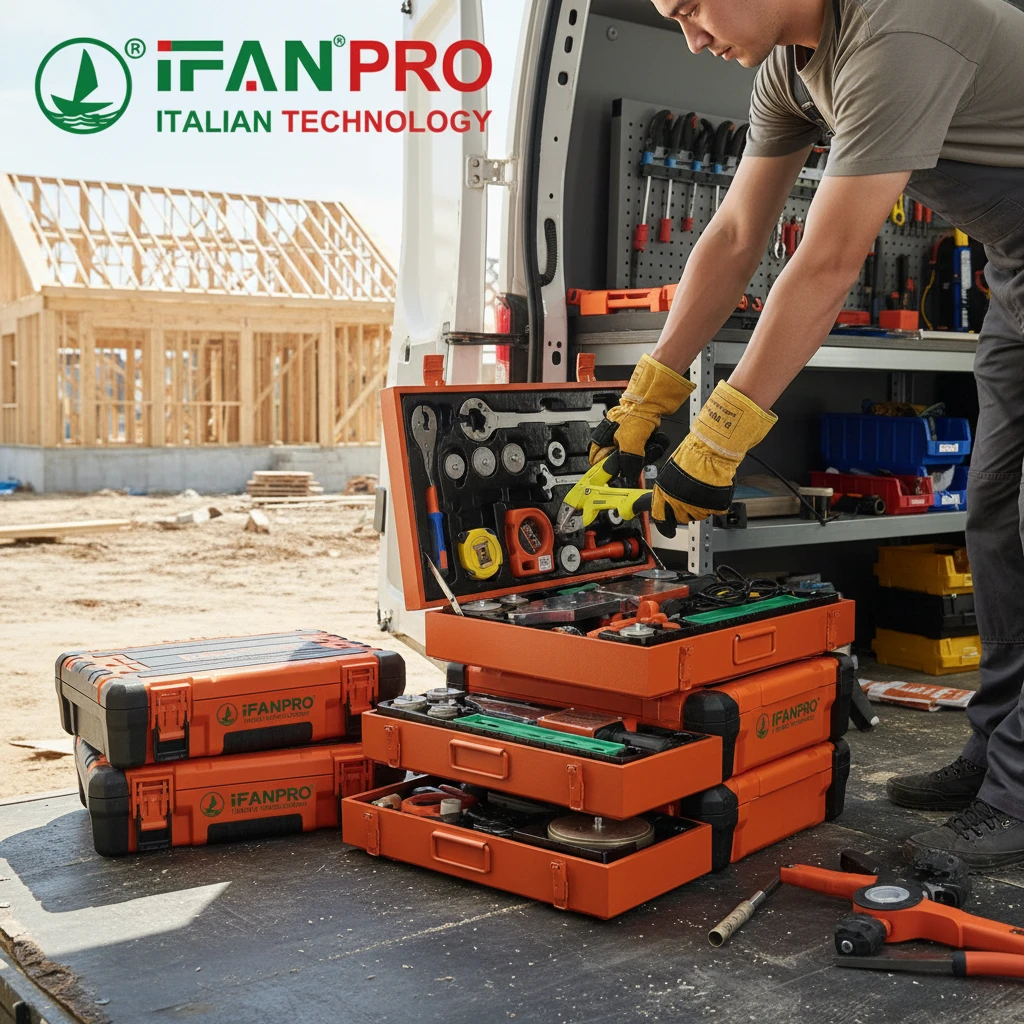
For anyone who bills by the hour or works on tight deadlines, efficiency is everything. Let’s calculate the cost of disorganization. If you waste just 10 minutes a day looking for tools, that’s over 40 hours a year—a full work week lost to digging through a messy box. A modular system, where every item has a labeled home, can cut that search time to almost zero. This direct boost to daily productivity is the single biggest financial reason to upgrade.
Investment Protection
Your tools are expensive. A high-quality power drill or a full set of wrenches is a significant investment. A traditional toolbox lets them rattle around, causing wear, chipped surfaces, and damaged edges. A modular system with compartments, dividers, and optional foam inserts cradles each tool, preventing collisions. This careful storage extends the life of your tools, saving you money on premature replacements and ensuring they are always in reliable working condition.
Scalability and Adaptability
Your business evolves. You take on new types of jobs, buy new specialized tools, or downsize your kit. A traditional toolbox is static—if you outgrow it, you must buy a whole new, larger one. A modular system grows and changes with you. Need more space for plumbing tools? Add another module or a second stackable layer to your existing frame. Switching to a different trade? Reconfigure the modules to hold a new set of tools. This flexibility protects your initial investment in the storage system itself.
Key Decision Factors for Professionals
| Professional Need | How a Traditional Toolbox Meets It | How a Modular Toolbox Excels |
|---|---|---|
| Tool Protection | Basic; minimal protection from impacts. | Advanced; separation and foam options prevent damage. |
| Job Efficiency | Low; tools are mixed and hard to find. | High; logical organization allows instant tool retrieval. |
| Professional Image | Can appear messy and disorganized. | Projects competence, organization, and care for your craft. |
| Long-Term Cost | Lower upfront, higher long-term due to tool wear/time waste. | Higher upfront, but much lower total cost of ownership. |
| System Flexibility | None; fixed capacity and layout. | Complete; can be reconfigured for any new toolset or project. |
The Intangible Benefit: Professionalism and Peace of Mind
Finally, there is the benefit of professionalism and mental clarity. Arriving at a job site with a sleek, well-organized modular system makes a strong impression on clients. It signals that you are meticulous and efficient. More importantly, for you, it ends the daily frustration. Knowing exactly where everything is brings a sense of control and calm to your workday. You start the job focused on the task, not on finding a missing socket. This peace of mind is invaluable for any professional.
Заключение
A modular toolbox like the Toolbox Widget is a strategic upgrade that boosts efficiency, protects your tools, and adapts to your career. For a reliable, customizable, and professional-grade modular storage solution, explore the ИФАН Modular Tool Organizer System designed for demanding professionals like you.













 Русский
  English
  Français
  Español
Последние комментарии